
Global dimming
The entire backlight operates at a common level.
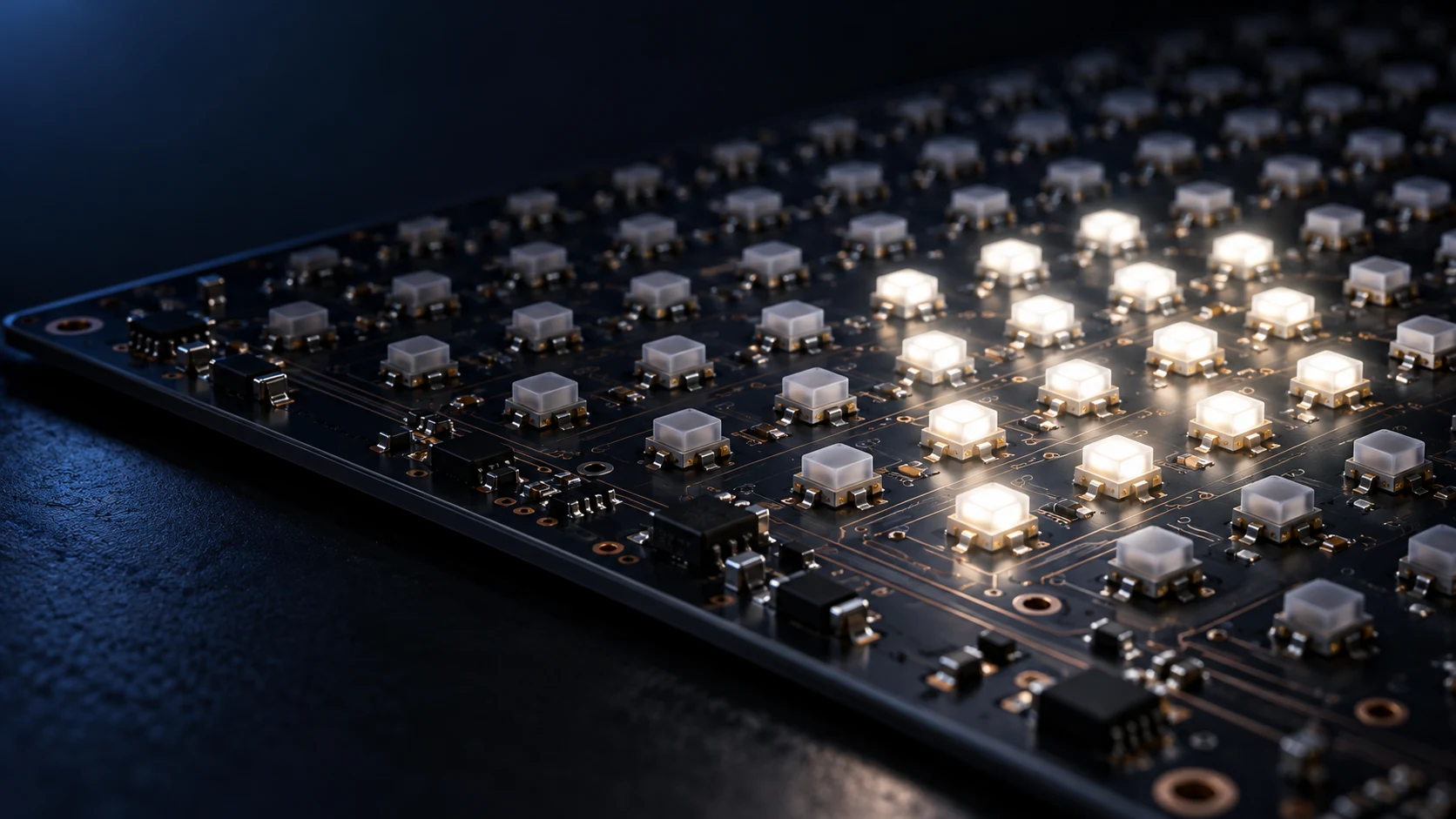
LUMI CRYSTAL / LOCAL DIMMING
Local Dimming adjusts backlight regions to image content, matching light allocation more closely to the needs of the picture.

Global dimming controls the backlight as a whole. Local Dimming divides it into independently controlled zones. ATT combines Mini-LED sources, optical structures, driver circuits and algorithms around each product’s zone, brightness and power targets.
LIGHT, EXPLAINED
The entire backlight operates at a common level.
Light is allocated according to the bright regions.
Principle illustration, not a measured image or performance comparison. Halo, contrast and power depend on the panel, zones, optics and algorithms. Single-LED mode uses one bright cell to illustrate one lit LED. Cells do not represent actual emitter dimensions or confirm one-LED-per-zone control in a product.
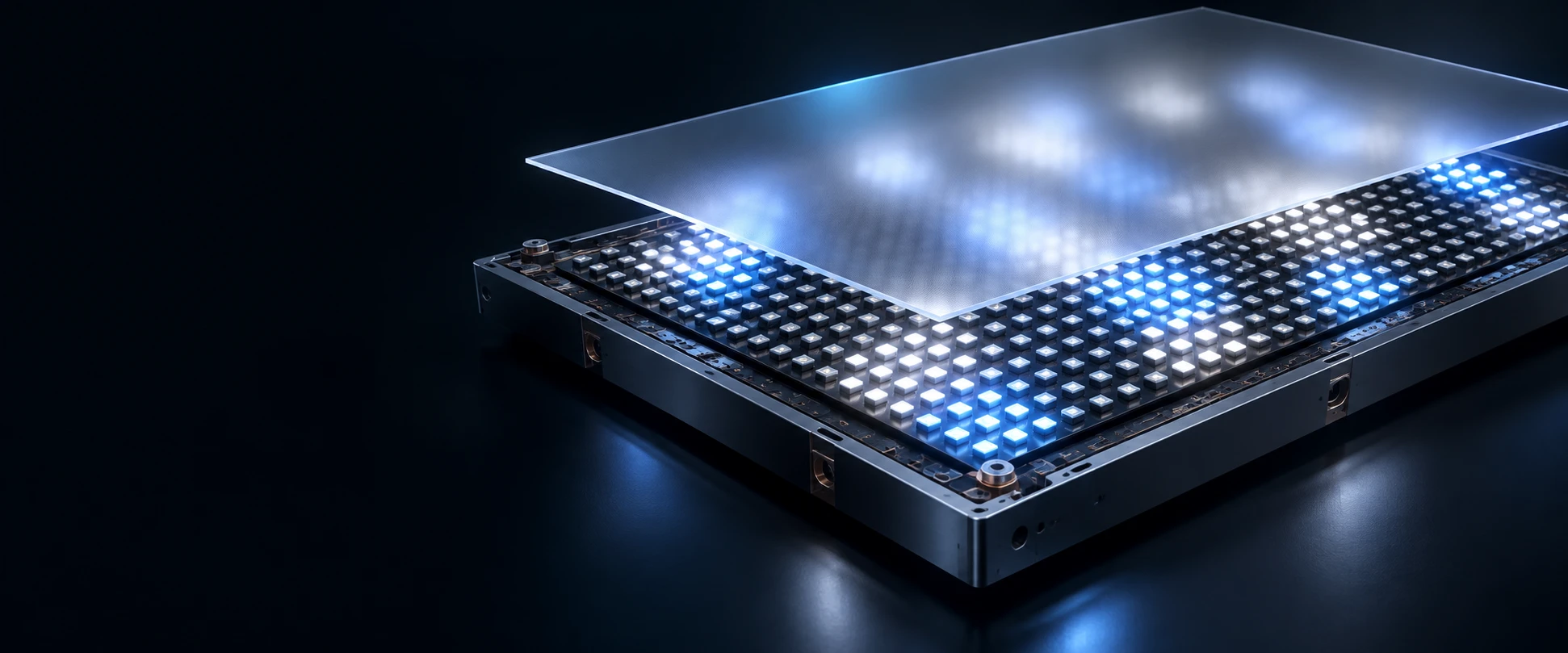
ATTMKT / OPTICAL ENGINEERING
AI optical-module concept; not an actual product or zone layout.
Different bright and dark content creates different backlight loads. Explore Local Dimming power using the sample values in the ATT presentation.
Slide sample labels: 1000 nits · 16 W edge-lit vs. 384-zone direct-lit
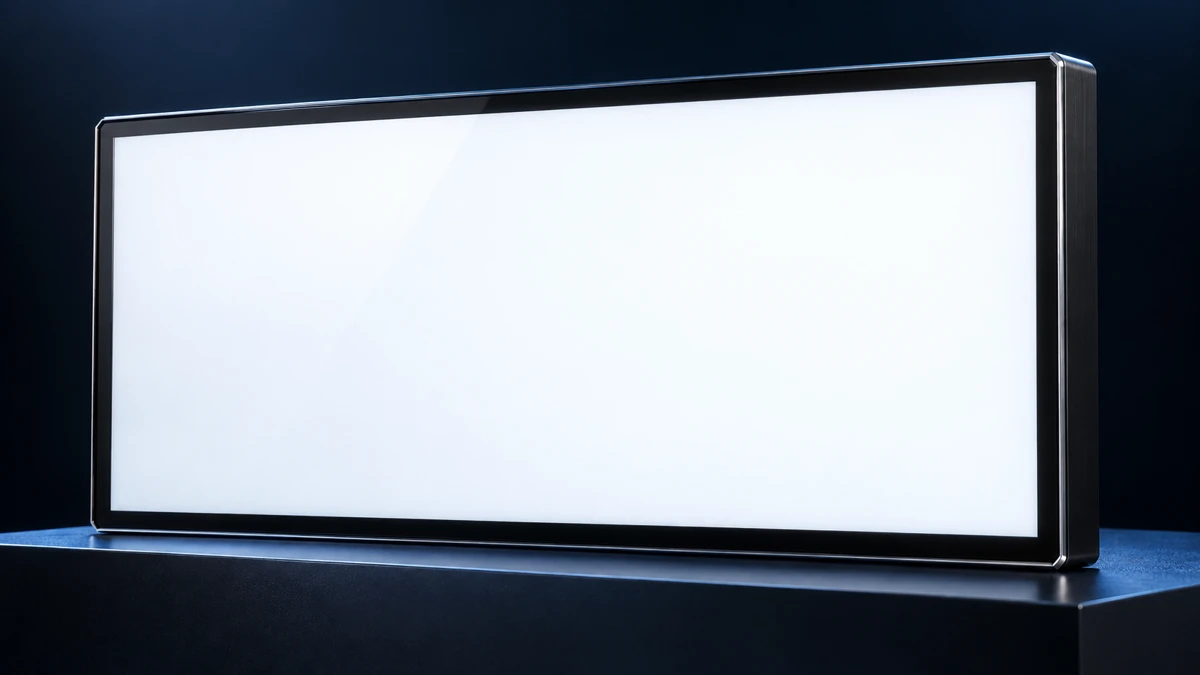
A broadly illuminated image
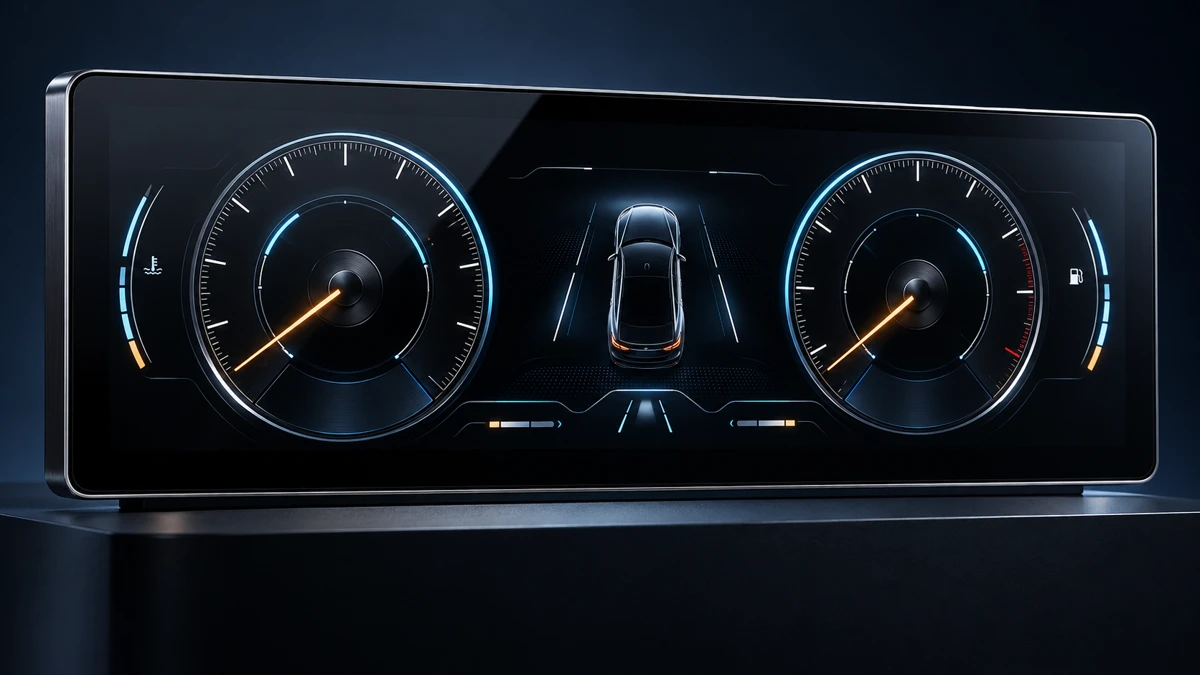
Multiple information areas
Focused information on black
Only a small highlight remains
Source: ATT engineering tests. Power values and savings are retained from the presentation, including rounded percentages. Images and illuminated cells are newly drawn concepts; their count and pattern do not represent the actual 384-zone layout or active-zone counts. Results apply only to the illustrated sample and content, not all products. Contact ATT for complete test conditions and measurement scope.
Download the redesigned chart (SVG)Zone count, mixing distance, films and LED arrangement jointly influence uniformity and halo behavior.
Drivers, power and algorithms must work with content and timing to coordinate light transitions.
Savings depend on bright area coverage, target luminance, panel and control method. Compare under consistent conditions.
ENGINEERING WITH CONTEXT
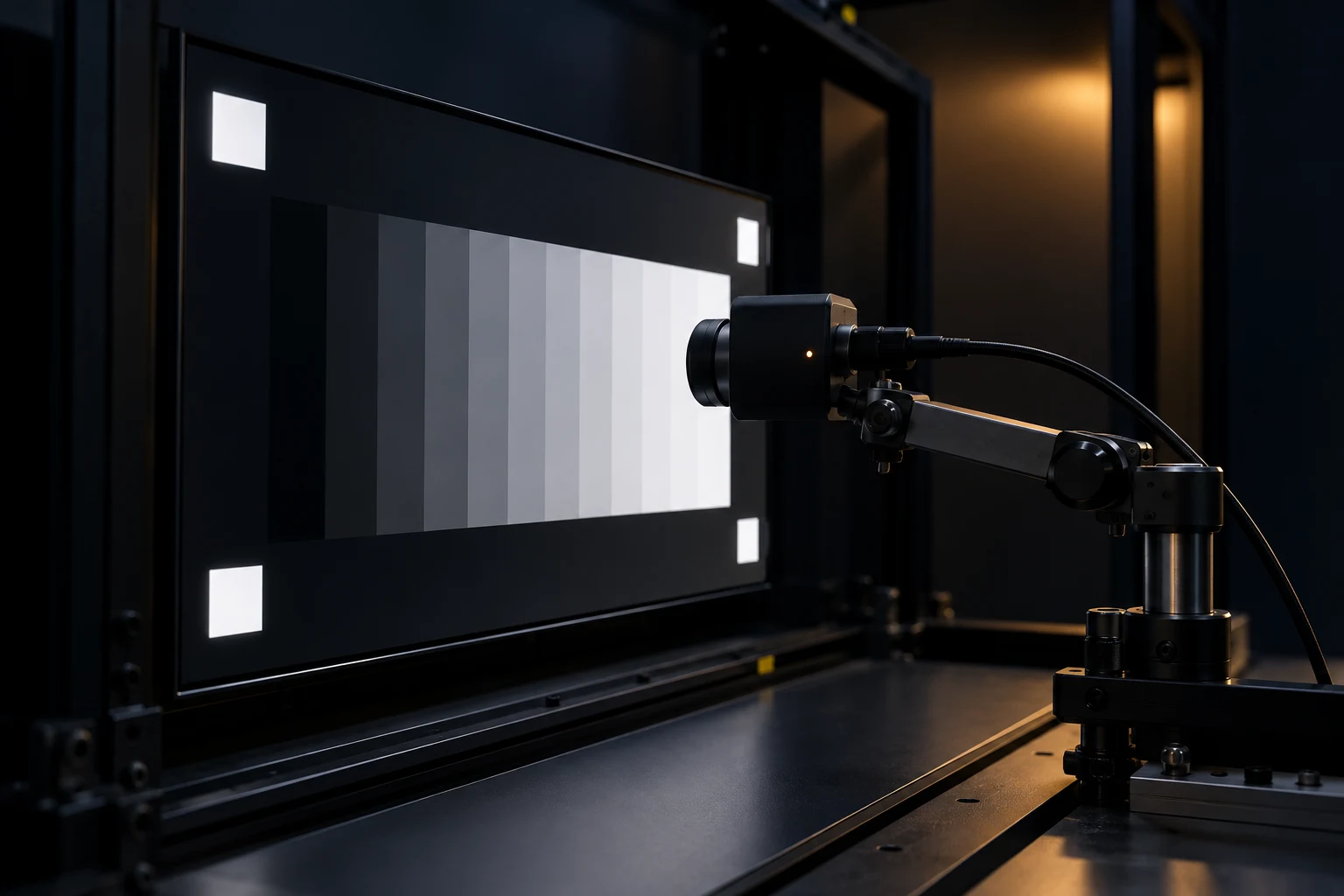
Evaluate luminance, black level, contrast, uniformity, halo and power using representative content. Then choose zones and drivers to fit the product. Project performance and savings are subject to agreed test conditions and validation results.
BEHIND THE DESIGN
Zone count is one design parameter. Zone geometry, light spread, panel behavior, control response and viewing content all contribute to the result.
Zone count and arrangement should reflect display size, content and available optical space. Instruments, navigation, information terminals and video have different bright-area patterns. A denser control layout also requires coordinated planning of driver channels, circuits and control data.
Prepare representative screens and revealing test patterns early. Assess bright-dark boundaries, fine text and high-contrast shapes before selecting the zone layout. This connects the decision to product needs instead of relying on zone count alone.
Light from a bright zone can extend into neighboring dark areas, creating a visible halo. Mixing distance, optical films, light-source placement and the panel's transmission behavior influence this effect. Managing halos while retaining bright detail involves balancing optics and control.
Use white text on dark backgrounds, small bright objects and bright areas at different positions, with agreed viewing angles and dark-room conditions. For real interfaces, verify that icons, fine lines and text remain readable after brightness adjustment.
Static tests help assess contrast and uniformity. Dynamic content reveals what happens as bright areas move. Backlight updates, panel timing and brightness transitions need evaluation with actual content; a single still image cannot establish overall behavior.
Include moving shapes, screen changes, gradual transitions and day-to-night mode switching. Record settings so revisions can be compared on the same basis, and confirm that the control approach can be integrated with the system board.
Local Dimming power varies with content. A predominantly dark image and a full-white image can produce different results. Agree brightness, content, supply conditions and the measurement boundary, distinguishing backlight power, display-module power and input power including other system components.
Review maximum load and sustained operation alongside representative content; supply and cooling design should not depend only on low-power scenes. The supplied presentation chart is a specific sample case that illustrates content-dependent differences.
Begin with basic display operation and full-white luminance at fixed settings, recording measurement positions, supply and ambient conditions. Then assess bright-dark detail with dark-background text, small bright areas and actual interfaces. Add moving content to review transitions and readability. A consistent sequence helps distinguish differences caused by content, settings or the sample itself.
Review image observations, power and installation conditions together, listing changes and items to recheck in the next revision. Record any panel, film or control-setting change rather than directly comparing results from different conditions. Assess supply and thermal management separately under agreed load and duration, establishing requirements for product operation.
QUESTIONS & ANSWERS
More zones offer finer spatial control, but zone count alone does not determine the finished result. Light spreads through the optical structure, while panel behaviour, control settings and image content also influence what the viewer sees. The right question is whether a particular configuration meets the product's viewing, power, mechanical and cost objectives.
Begin with display size, viewing distance and representative content. Small text on dark backgrounds, maps and large bright images challenge a backlight differently. Compare both realistic screens and targeted patterns instead of relying on one impressive demonstration image.
Review source placement, zone layout, optical spacing and films together. Uniformity, bright-object detail and dark-region appearance must all be considered. Electrical integration also includes driver channels, zone mapping, update timing, power and thermal conditions. If the motherboard or interface must remain unchanged, its capabilities should be established before the architecture is selected.
Compare samples using consistent target brightness, viewing positions and test content. Record static and moving-image observations together with power and temperature. Where panels or settings differ, identify those differences instead of attributing the entire result to zone count.
Give ATT the available envelope and the highest-priority goals, such as night-time readability, reduced power or limited thickness. Feasible configurations can then be compared using sample evidence. Zone number, functions and performance are project-specific parameters rather than a universal ranking of product quality.
A saving shown in a presentation belongs to the sample, image and measurement conditions behind that result. It should not be applied as a fixed percentage to every Local Dimming product. Content, brightness and control settings change the operating load, so a dark image and a largely bright screen can produce different power results even on the same module.
Define the reference configuration first: it might be the same module with local control disabled, a conventional backlight or the customer's current product. Differences in size, panel, brightness and optical construction must be listed because they can influence the comparison independently of local control.
Specify the measurement boundary. Backlight input, complete display-module input and whole-system input are different quantities. Record supply conditions, instrument, stabilisation time and settings. For an average, describe the content sequence and observation period; an instantaneous reading from one dark frame does not represent a full day of operation.
Keep image quality alongside power in the evaluation. A large brightness reduction may lower consumption without meeting the same viewing requirement. State which conditions are matched and which differences are intentional. Power and thermal design should also consider demanding operating conditions, not only a favourable typical frame.
The ATT presentation example illustrates a relationship between content and power. For a project target, agree the reference, content, brightness, boundary and acceptance method before measuring samples. Retain conditions with any external claim and review the result again when the panel, backlight, controls or power architecture changes.
Use both the product's real interface and patterns that reveal particular behaviours. Real screens establish practical readability, while targeted images help isolate uniformity, halos, transitions and load. A fixed test list makes changes easier to compare and prevents selection from depending only on attractive demonstration content.
Start with white, grey levels and uniform fields. Record settings, measurement positions, viewing direction, supply and stabilisation conditions. A white screen can represent one demanding load case, but it does not automatically establish the electrical or thermal maximum for every operating mode.
Add bright text on dark backgrounds, fine lines, small highlights and objects near edges or corners. Evaluate boundaries and readable detail under agreed ambient light and viewing angles. Photographs are useful records, but exposure and image processing can alter apparent black levels, so they should not replace controlled observation or measurement.
Then include moving highlights, scrolling, scene changes, gradual fades and day/night transitions. Record the content version, timing and settings whenever an issue occurs. Finally, run the customer's smallest text, common icons, alerts and normal operating sequence at the intended mounting angle.
Keep sample identity, control version, observations and measurements together. Repeat the baseline after changing the panel, films, source layout or settings, then add tests for newly observed issues. ATT can discuss the evaluation scope around supplied content and product requirements; display demonstrations alone do not establish complete-equipment suitability.
LET’S BUILD YOUR NEXT DISPLAY
Tell us about the application, target size and key specifications. Let’s turn requirements into the next design step.